Public beta
The first builds go out to testers on iPhone, iPad and Mac. Leave your email on the home page and you will hear when it opens.
Release
LightBites 以 Swift 為 iPhone、iPad 和 Mac 打造。速度快、省電,並且完好保留你的原始檔。
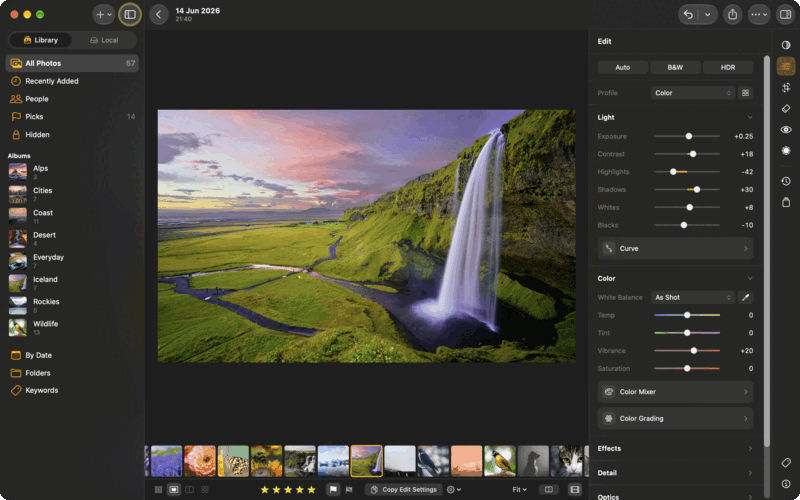
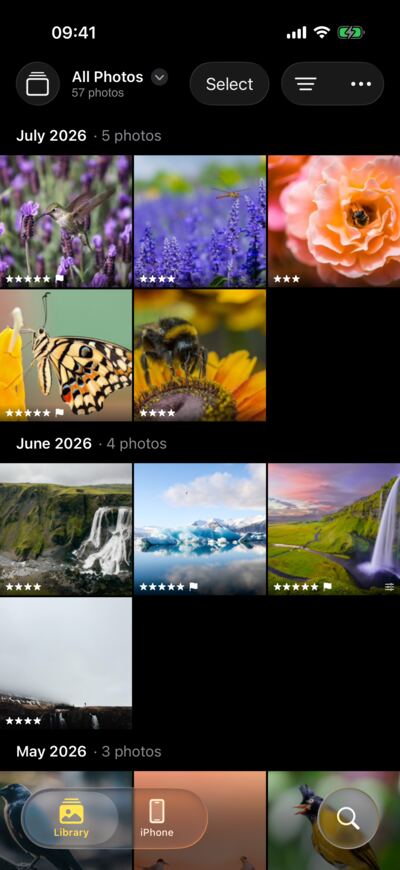
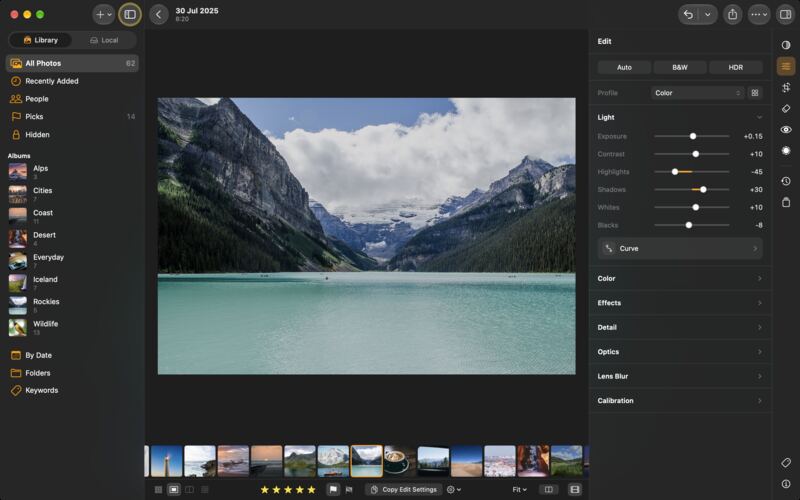
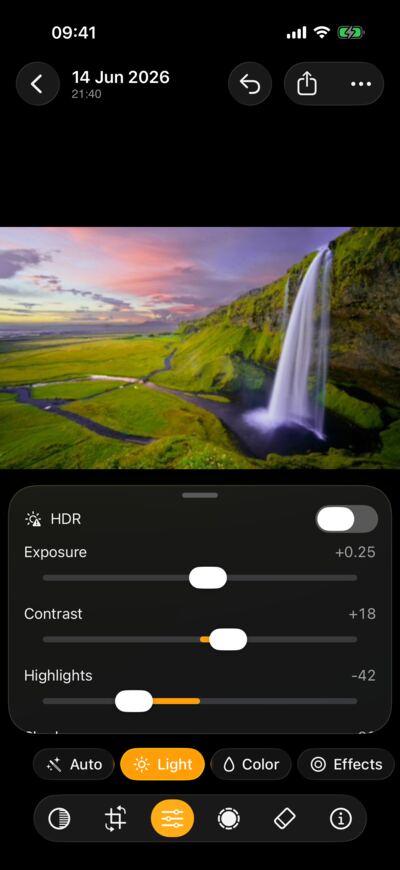
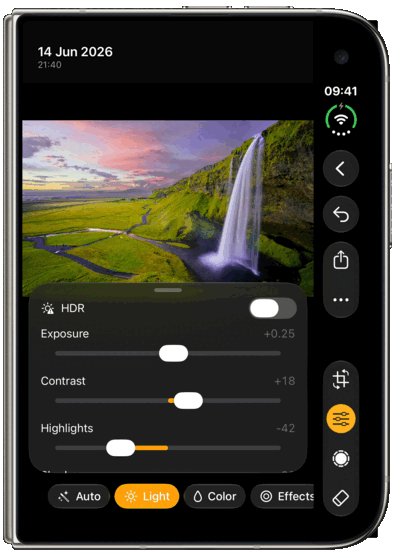
曝光、對比、色彩、色調曲線與局部遮色片,拖移時即時套用在完整的 raw 檔案上。
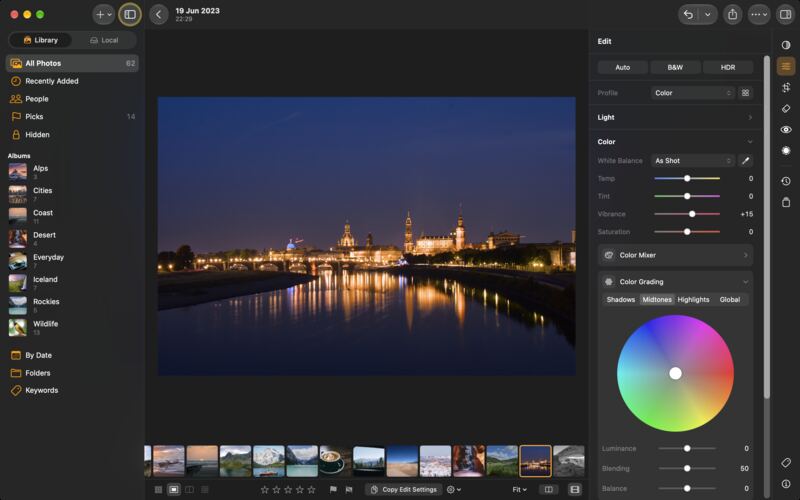
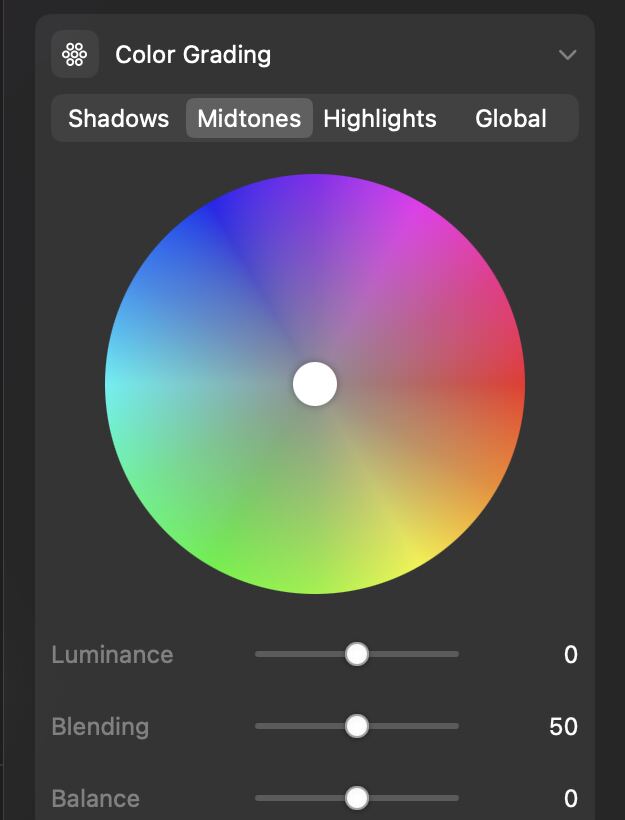
白平衡、可調整每種顏色的混色器,以及用於陰影、中間調與亮部的分級色輪。
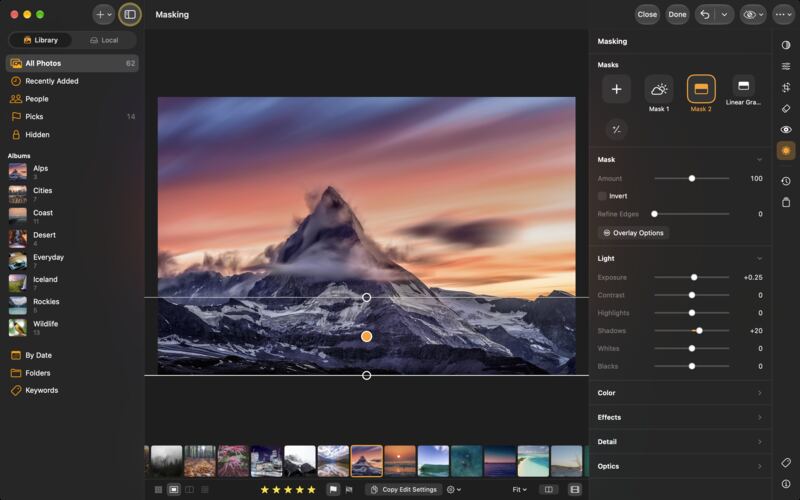
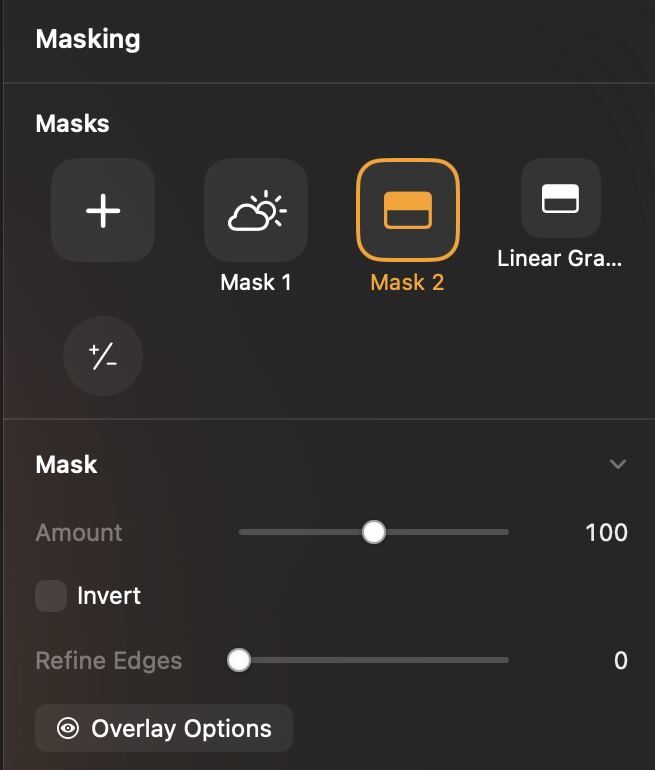
新增遮色片,選擇它涵蓋的範圍,然後在範圍內調整光線與色彩。
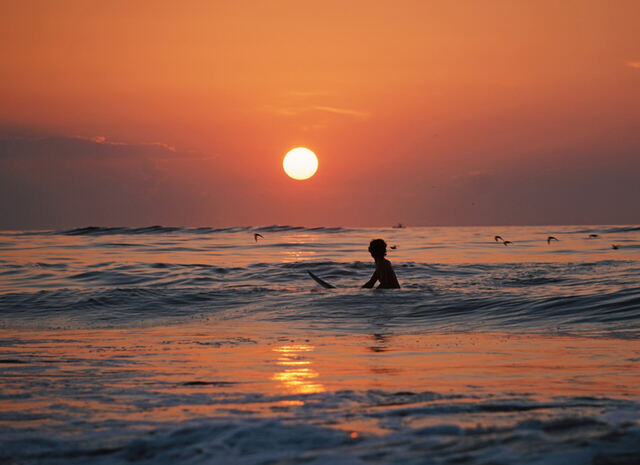
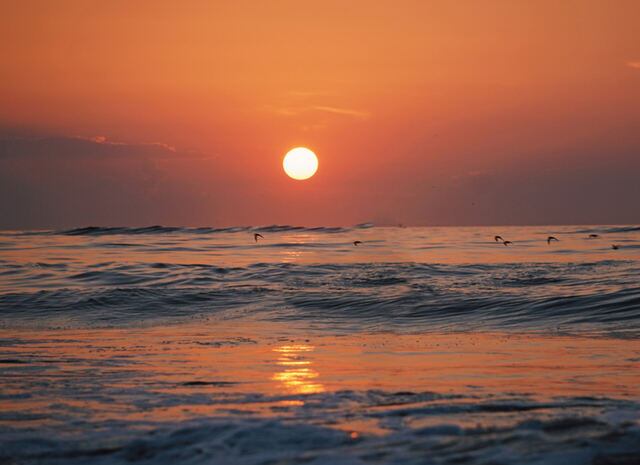
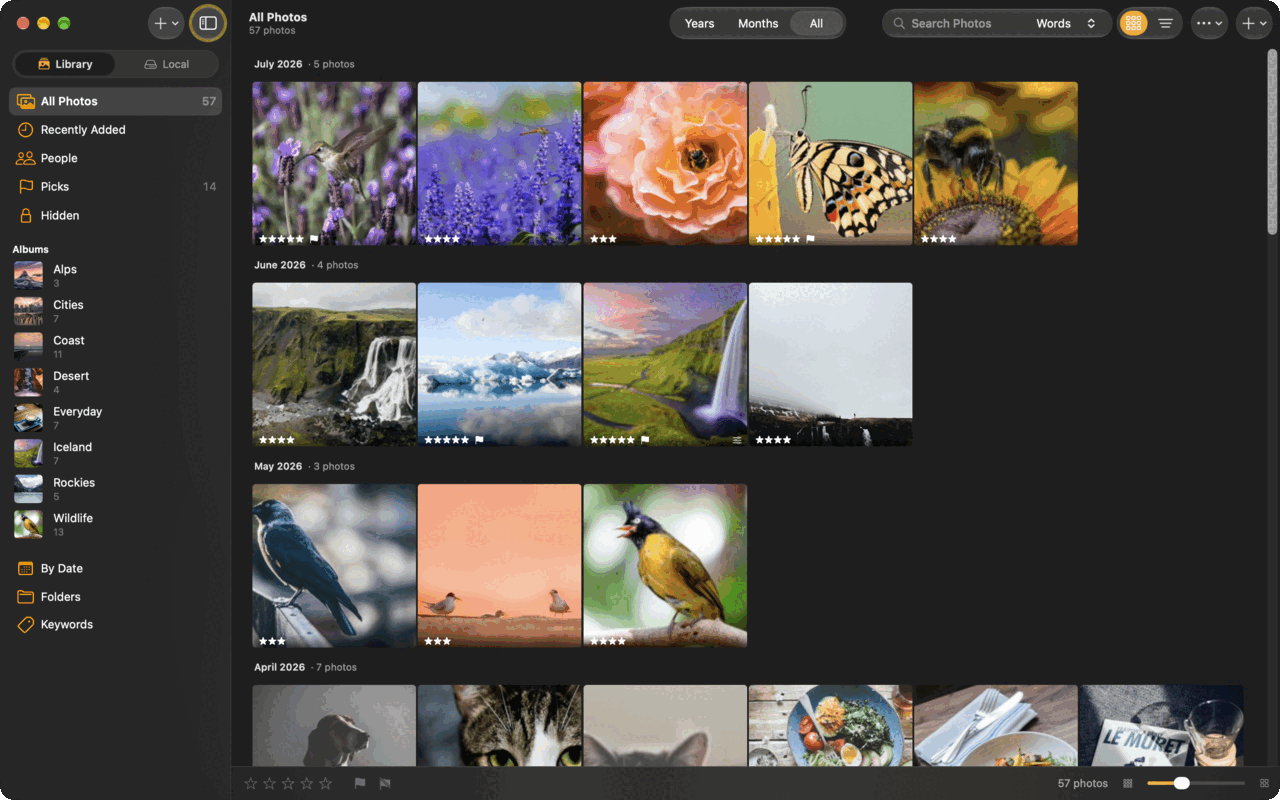
用筆刷塗過干擾物,App 就會補上它後面原本的畫面。
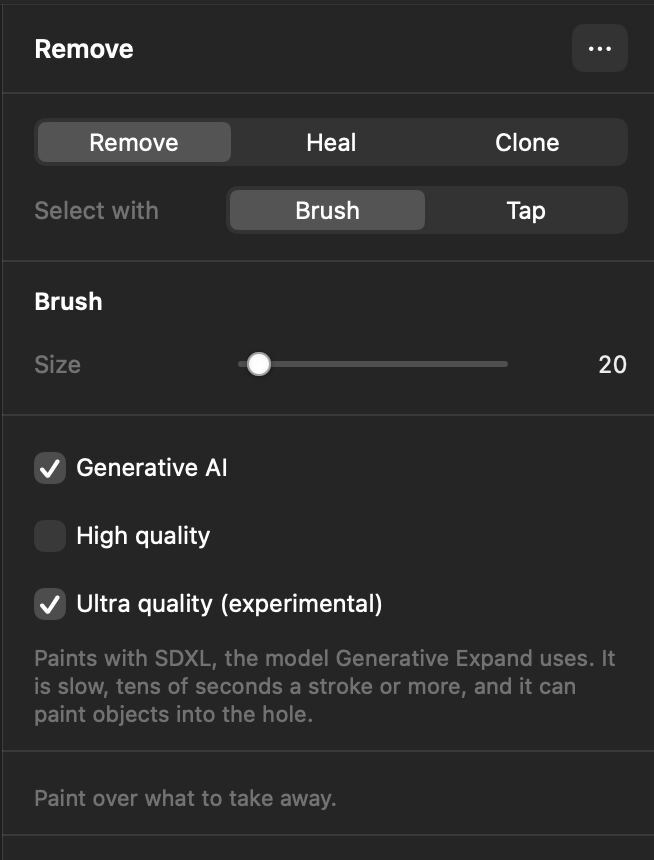
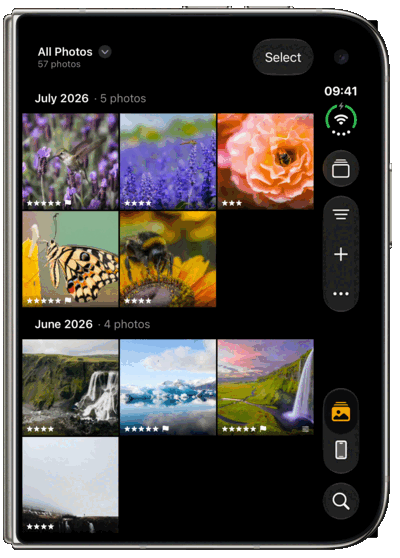
相簿、評分與精選標記,所有照片依拍攝月份分組。
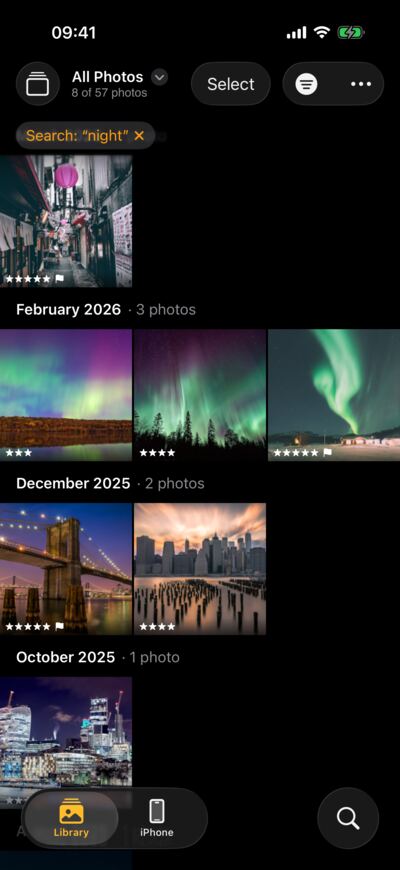
描述你記得的畫面,照片就會出現。一切都在你的裝置上執行。
單獨使用本機,或透過你自己的伺服器連接所有裝置。
photos.home.lan
LightCraft 伺服器 · 已是最新
照片庫
裝置
拖移分隔線,查看同一個畫面的兩種樣貌。
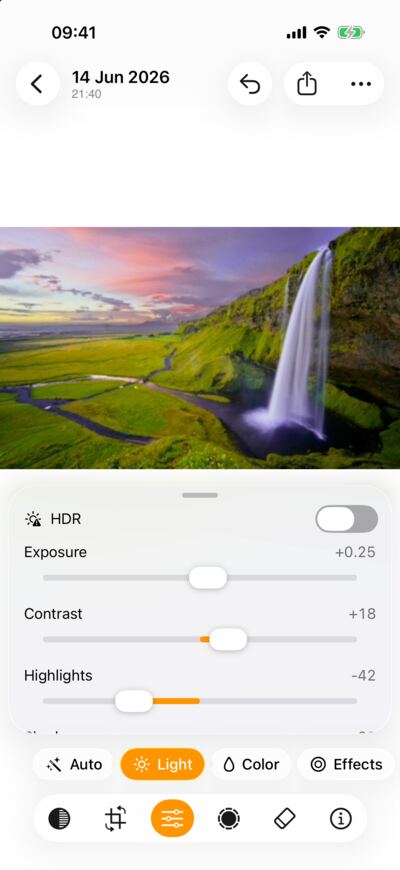
Laid out for its tall outer screen, and for the ways it unfolds.
# Let an assistant drive the app
claude mcp add lightbites -- lightcraft-cli mcp --connect 127.0.0.1:18731

# Or talk to it directly
echo '{"id":1,"method":"host.state"}' | nc -w 2 127.0.0.1 18731Being built and tested.
The first builds go out to testers on iPhone, iPad and Mac. Leave your email on the home page and you will hear when it opens.
Import clips with your photos and play them in the loupe. Trim them, pick the poster frame, preview your edits and export at full size, 1080p or 720p.
Up next, roughly in this order.
LightBites on the App Store for iPhone, iPad and Mac. Free to download, with a 7-day trial of LightBites Pro and one purchase for all three. No subscription.
Measured colour profiles for the most popular cameras, so a raw file opens looking the way it did on the camera's screen, before you touch a slider.
On the list, further out.
Select the subject, the sky or a person in one tap, worked out on your device by a model you download once.
Full raw decoding for NEF files saved in Nikon's High Efficiency modes, which open as previews for now.
A free 7-day trial, one purchase and subscription
Editing, your library, albums and sync are always free
€19.99
one-time purchase
Exporting and sharing on your iPhone and iPad.
€29.99
one-time purchase
Exporting and sharing on your Mac.
€39.99
one-time purchase
Every device, for less than the two apart.